
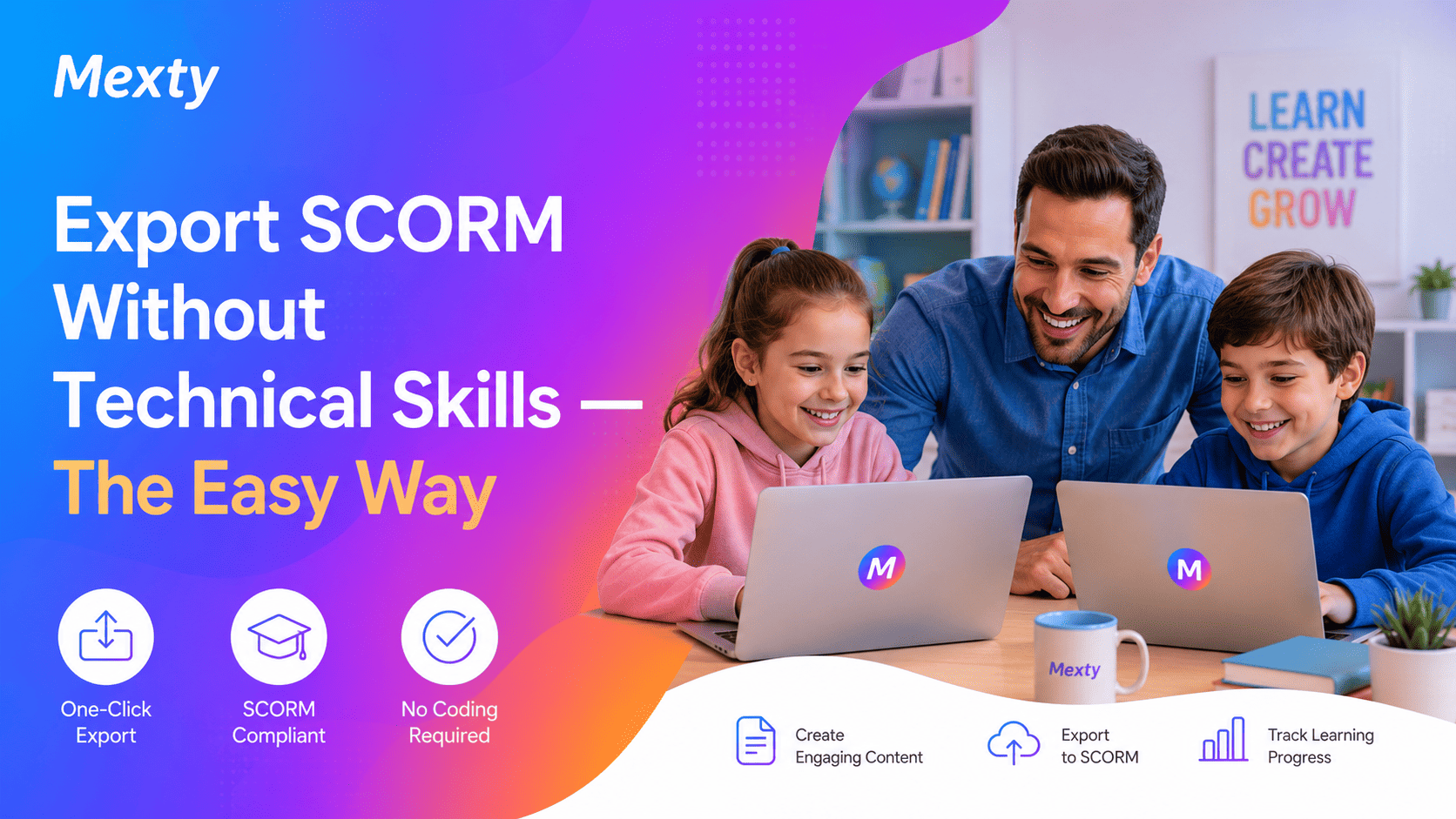
Export SCORM Without Technical Skills The Easy Way
Build and export SCORM courses in minutes with no coding or complexity required.
Why Easy SCORM Export Matters
For many educators and L&D teams, SCORM sounds technical and intimidating often associated with:
❌ confusing settings
❌ complicated packaging steps
❌ developer-level knowledge
❌ hours spent fixing LMS compatibility errors
But in 2026, you no longer need technical skills to create and export SCORM content.
Modern SCORM course builders and interactive authoring tools like Mexty make it possible to build a course from a simple prompt, add interactivity, and export SCORM with a single click.
Whether you work in schools, universities, corporate training, or government programs, SCORM remains the standard for delivering trackable eLearning inside LMS platforms.
The difference today: easy SCORM export is finally accessible to everyone.
What Is SCORM and Why Do Teams Need It?
A SCORM package is a format that allows training content to track:
- Completion
- Quiz scores
- Engagement time
- Learner attempts
- Progress inside any LMS
A SCORM course ensures:
- LMS compatibility
- Measurable learning outcomes
- Certification workflows
- Real performance analytics
And when combined with interactive learning, SCORM unlocks higher engagement and better retention.
The Problem With Traditional SCORM Authoring Tools
Many tools built in the 2000s require:
❌ complex publishing settings
❌ multiple exports & fixes
❌ developer-level configuration
❌ expensive training or outsourcing
Result?
Teams often avoid updating content or rely on static PDFs and PowerPoints instead.
The Modern Solution: Easy SCORM Export With AI
With AI-powered authoring, teams can now:
- Create courses from a prompt
- Convert PowerPoint into interactive learning
- Add quizzes, branching & gamification
- Personalize content for learners
- Export SCORM instantly
How Mexty Makes SCORM Simple
Mexty is a no-code SCORM authoring tool that handles all packaging and compatibility automatically.
Just build, click Export SCORM, and upload to your LMS.
SCORM LMS Compatibility
Compatible with:
- SCORM for Moodle / SCORM Moodle
- Canvas
- Blackboard
- TalentLMS
- Docebo
- Cornerstone
- SAP SuccessFactors
- Any SCORM 1.2 / SCORM 2004 compliant platform
No plugins, no scripts, no XML editing just one click.
Build & Export SCORM Step by Step (No Tech Skills Needed)
- Start with a prompt (option to upload PPT, Word, or PDF)
- Generate course structure automatically
- Add interactivity quizzes, branching, games, 3D blocks
- Adjust accessibility & personalization options
- Preview instantly
- Click “Export SCORM 1.2 / 2004”
- Upload to Moodle, Canvas, Blackboard, Docebo, or any LMS
📌 No configuration. No coding. No packaging errors.
Make SCORM Courses Engaging, Not Boring
Examples of interactive learning activities:
- Branching scenarios for decision-making
- Gamified quiz competitions
- Interactive videos with checkpoints
- Problem-solving drag-and-drop activities
- 3D simulations and immersive environments
📈 Interactive learning can improve retention by up to 80% compared to static slides.
What Teams Say After Switching to Mexty
“We exported SCORM directly to Moodle in one click. No IT support needed.”
“What took two weeks in Articulate, we built in two hours using AI.”
“The ability to mix AI generation with manual editing is a game changer.”
Final Thought
SCORM shouldn’t be complicated.
With the right tool, anyone can create engaging, trackable, LMS-ready courses without developers, plugins, or long hours.
If you want fast content creation, instant SCORM export, and interactive learning that drives real performance…
👉 Start building your SCORM course now no technical skills required.
🔗 Start Building on Mexty
If you enjoyed this, you’ll love our next articles SCORM Made Simple: The Complete Guide |